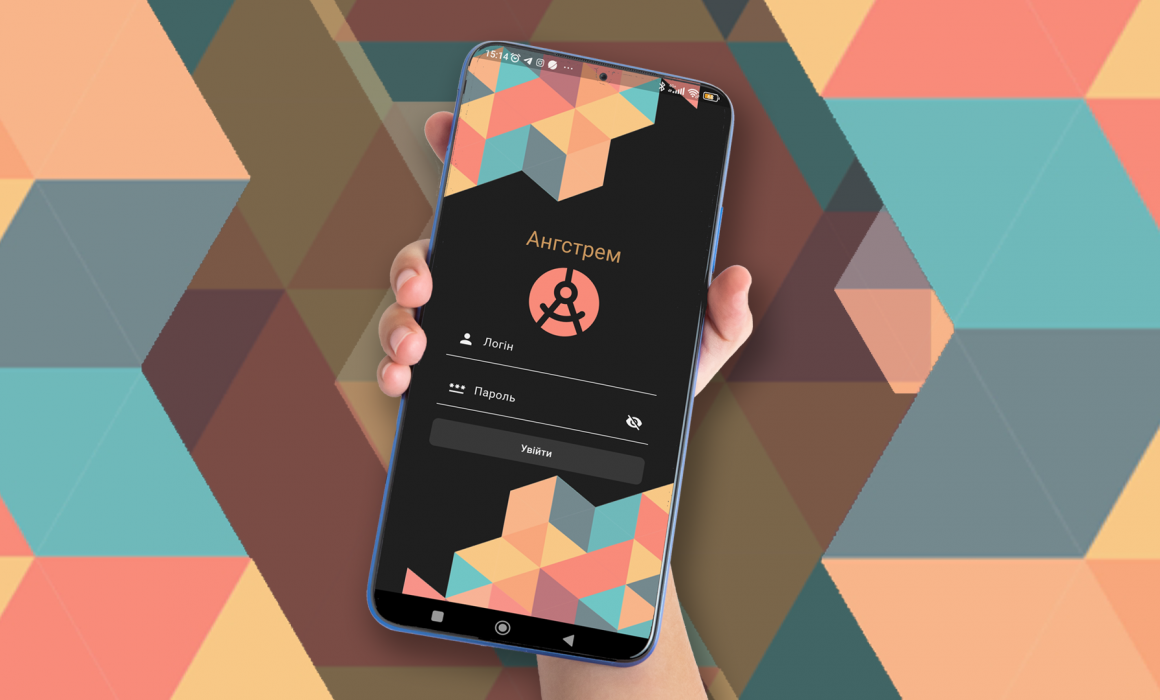
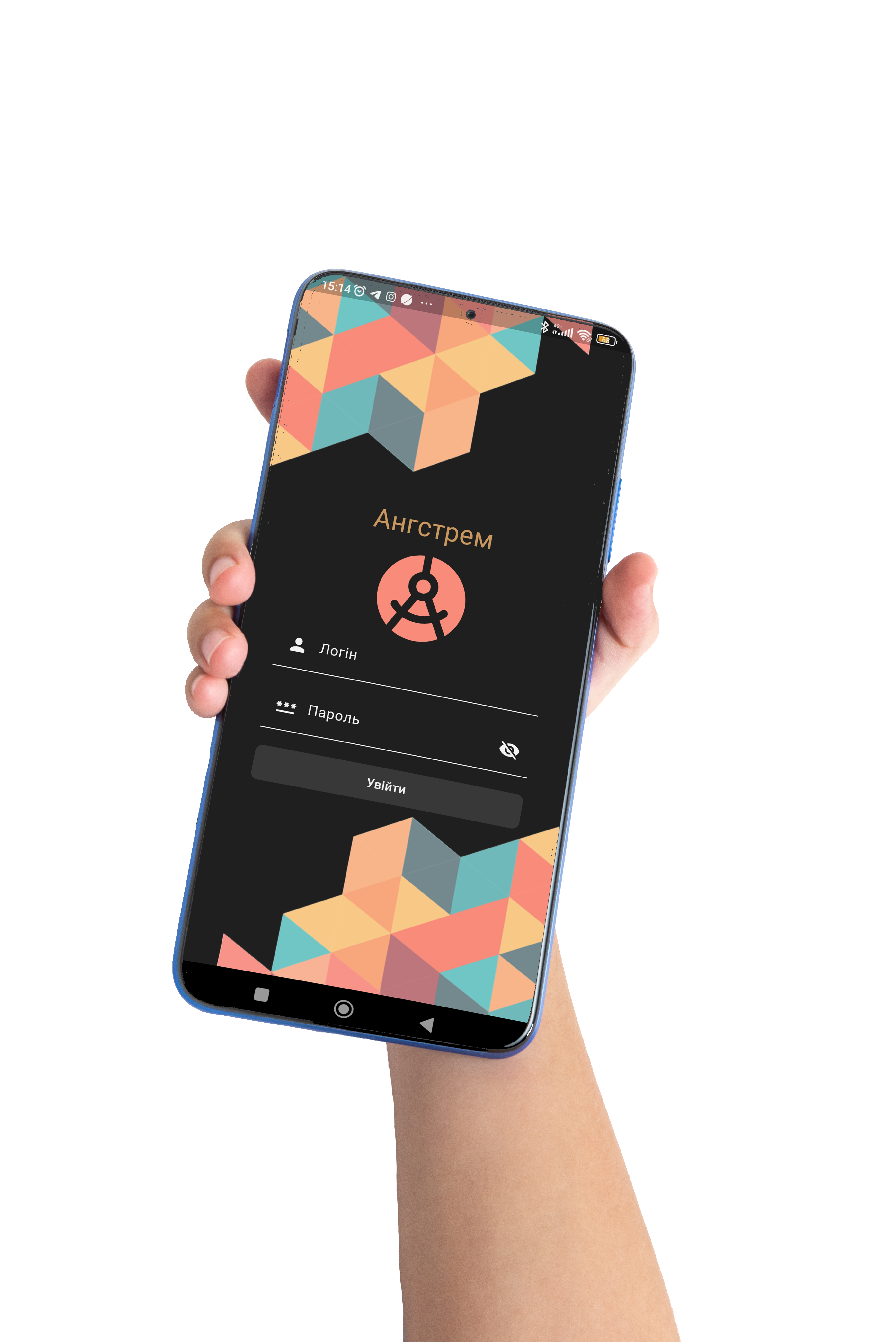
Communication with your favorite school just got even easier and more convenient… Now Angstrem is in your smartphone… and yes, of course, in your iPhone too! To be precise, all it takes is just two simple steps:
Download the Angstrem School mobile app from Google Play or the App Store.
Log in the same way as on the educational platform (using the student’s or parent’s login and password).
⚠️ IMPORTANT! The app is available only to users with a Ukrainian Google or Apple account.
Let’s be honest — you can’t do full-fledged learning through the app. Agree, for that you need a bigger screen: a tablet or a computer. But staying connected and up-to-date? Absolutely!
Angstrem School is your organizer and conversation companion — attentive, caring, and always on the move.
Here you can:
Sign up for a consultation or webinar.
Join online communication directly in the app from anywhere in the universe. Stuck on the road, lingering in front of a painting at the Louvre, comfortably seated in a café with a cup of cocoa… no problem!
Chat with teachers, administration, and tech support.
Check your tuition balance and pay your bills with a single click.
Browse the latest announcements about events at the Lyceum.
Of course, you’ll also receive notifications about messages and announcements posted on the platform.
And this is just the beginning. The updated version is literally around the corner. What will it include? Maybe a “Diary” feature, or perhaps “Attendance Tracking”? Stay tuned…
Now the hardest part — deciding where to place the Angstrem School icon on your phone screen. Between Telegram and Viber, or maybe between YouTube and TikTok?..
Anywhere you like! Angstrem — the school that’s always by your side!
Comments are closed.
Get a consultation
Thank you, we will contact you at the specified time!
Oh, it seems something went wrong. Please try again.
The "By phone" option is available only for numbers in Ukraine.